Starter roles
Roles allowed to start a moderation vote.

Community-driven Discord moderation
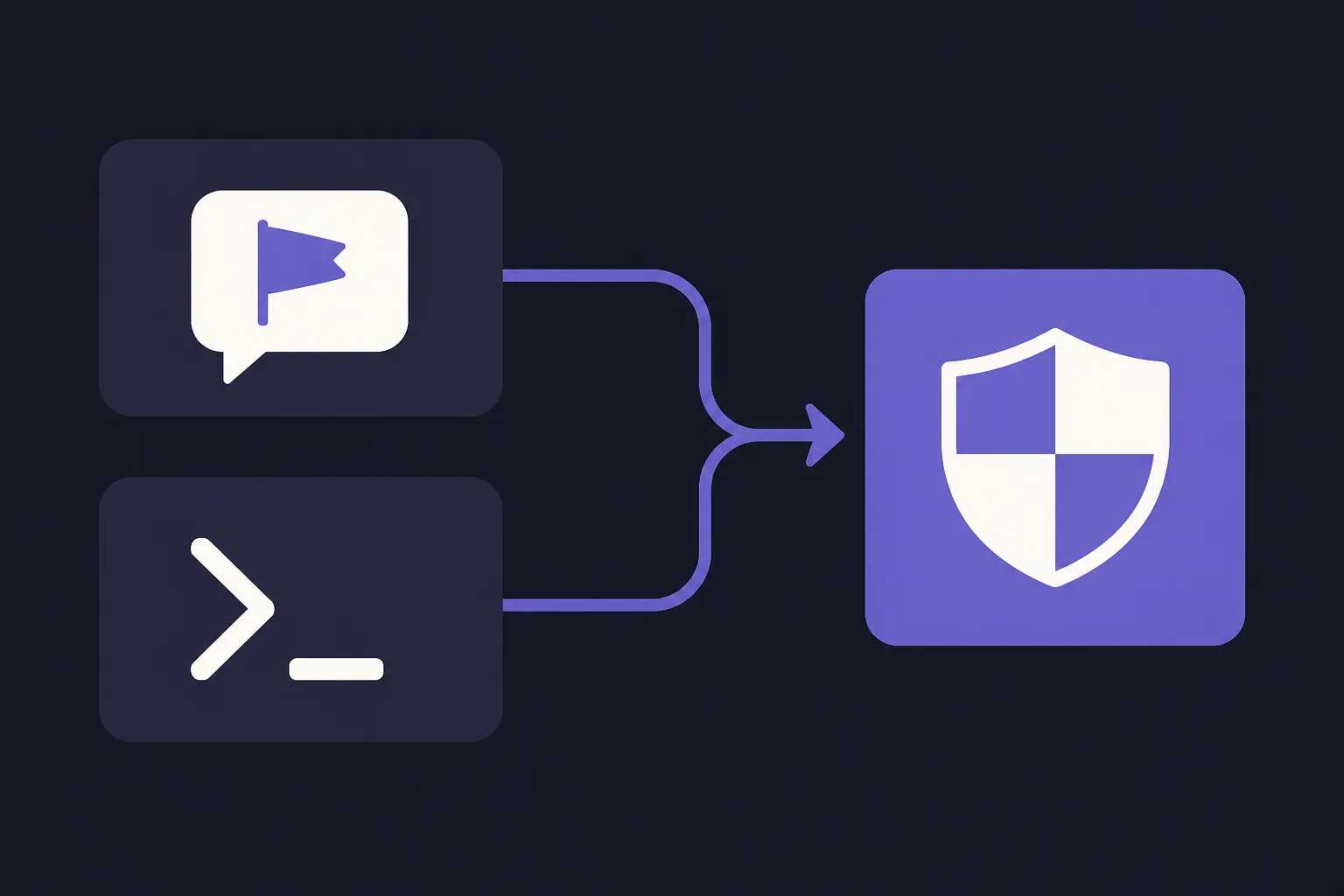
Start a moderation vote from a Discord message menu or the /report command, then let trusted members reach a decision.

Discord report workflow
Report a member from the message menu or with the /report command to start a vote.
How it works
Members with trusted roles start a moderation vote from the message menu or with the /report command.
Eligible roles approve or reject the vote before time expires.
ErensiBOT acts only when the configured net-vote threshold is reached.
Server owners define every participation rule.
Roles allowed to start a moderation vote.
Roles allowed to vote.
Approval points required to pass.
Between one hour and 24 hours.
Separate server and member maximums.
Optional alerts by case priority.
Vote power and safeguards
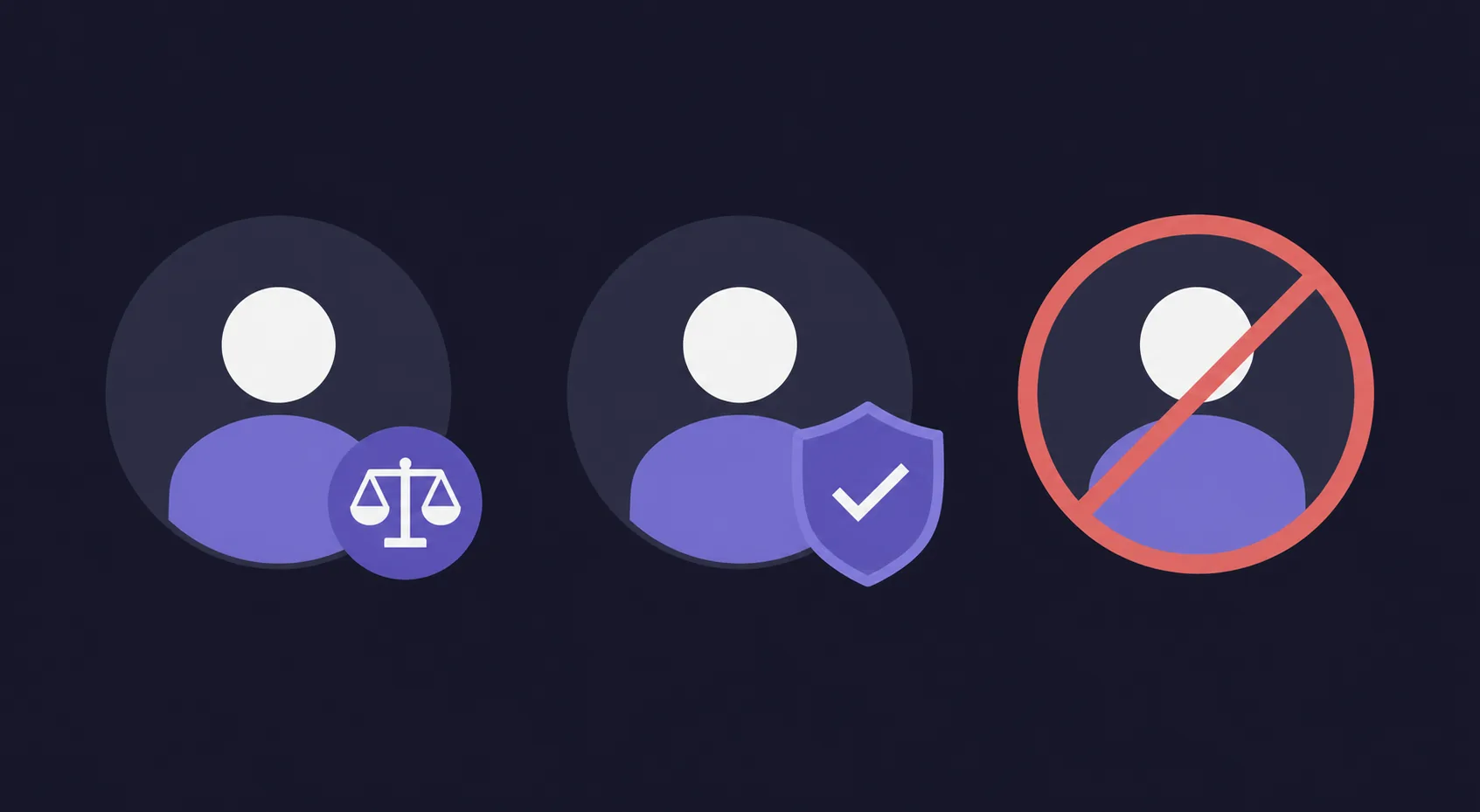
Assign different voting power to roles such as level roles and take your Discord server moderation to the next level.
Help
A trusted member reports a case, eligible roles vote, and ErensiBOT acts only if the configured net-vote threshold is reached in time.
Yes, with Premium. If a member has several eligible roles, only their highest configured vote power is used.
Mute for one hour, mute for one day, kick, ban, or ban and delete the last six hours of messages.
You select starter and voter roles. Starter roles must also be voters; Premium adds protected and blocked roles.
Yes. Set net votes, a 1-minute to 24-hour duration, and daily server and member limits.
An abuse cancellation blocks the initiator from opening another case for 12 hours. Daily case limits add another boundary.
Keep exploring
Choose who reports, who votes, and what threshold a community moderation case must reach.